To create a custom market, click the Ad Management tab, then the Markets sub-tab
- On the Markets page, click Add a Custom Market.
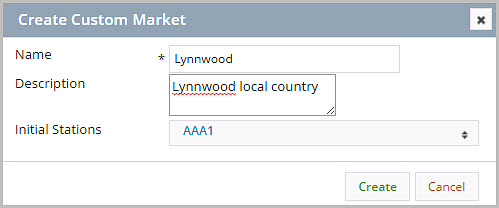
- In Create Custom Market, enter a Name.
- In Description, enter a description.
- In Initial Stations, select Initial Station(s).
- Click Create. A confirmation message will display.
Note: Custom markets cannot at this time be targeted by Blackouts or Geographic Targeting.
For more information, see: