To access this page, click the Ad Management tab and then the Advertisers sub-tab.
- Click Add an Advertiser on the top right of the page.
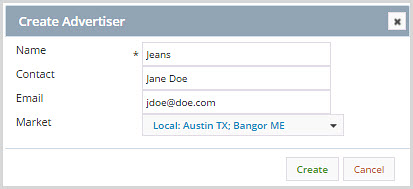
- In the Create Advertiser box, enter the name of the advertiser.
- In Contact, enter a contact person's name.
- In Email, enter an email address.
- In Market, select a market.
- Click Create.
For more information, see: