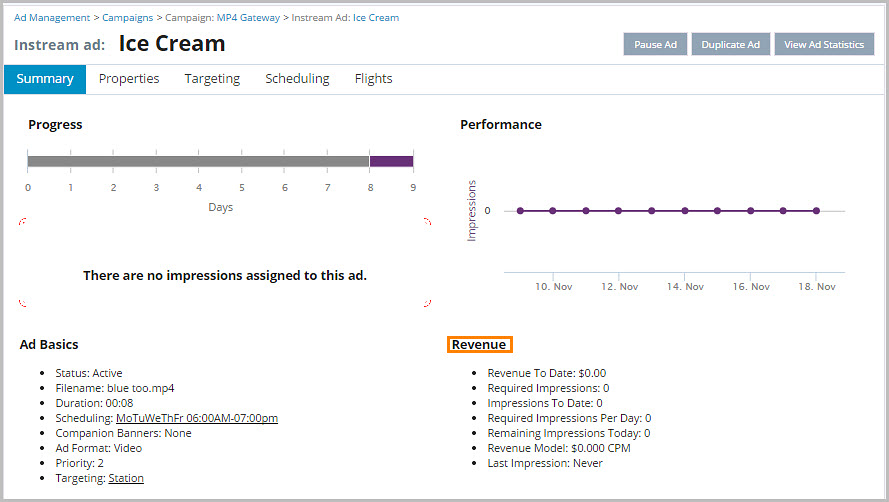
To check an ad's revenue:
- From Ad Management, click Campaigns.
- In Campaigns, click the campaign the ad belongs to.
- Scroll down to the ad, and then click the ad.
- The Revenue module (under the Performance chart) displays the Revenue To Date that the ad has generated.